Build the visual system
Keep talent, garments, scene references and campaign direction together for reuse across shoots.
OUTFITTD
An AI fashion production workspace that turns garment references and creative direction into product and campaign imagery.
Create reusable virtual models, organise products and shoots, control lighting and composition, and review generated assets in one place. Designed and built by Ellvan Studios.
Explore the workspace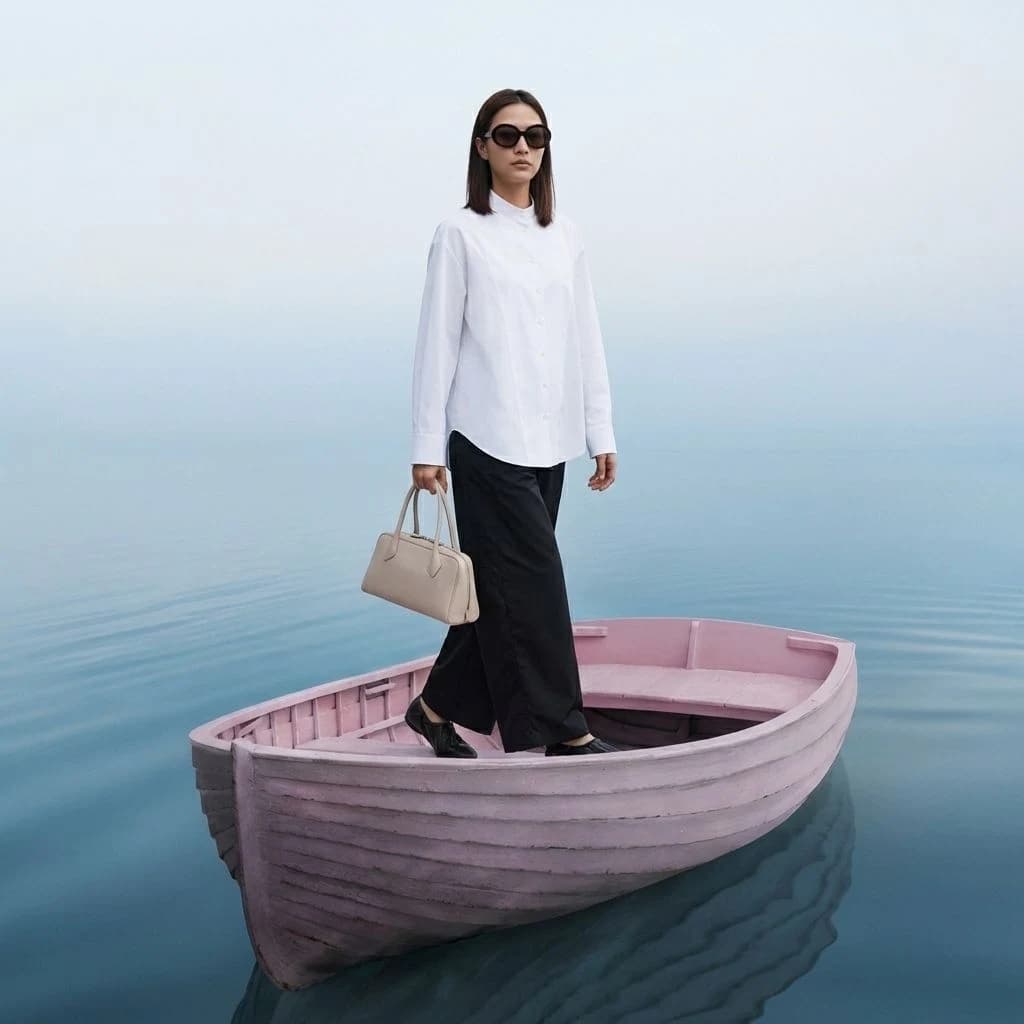
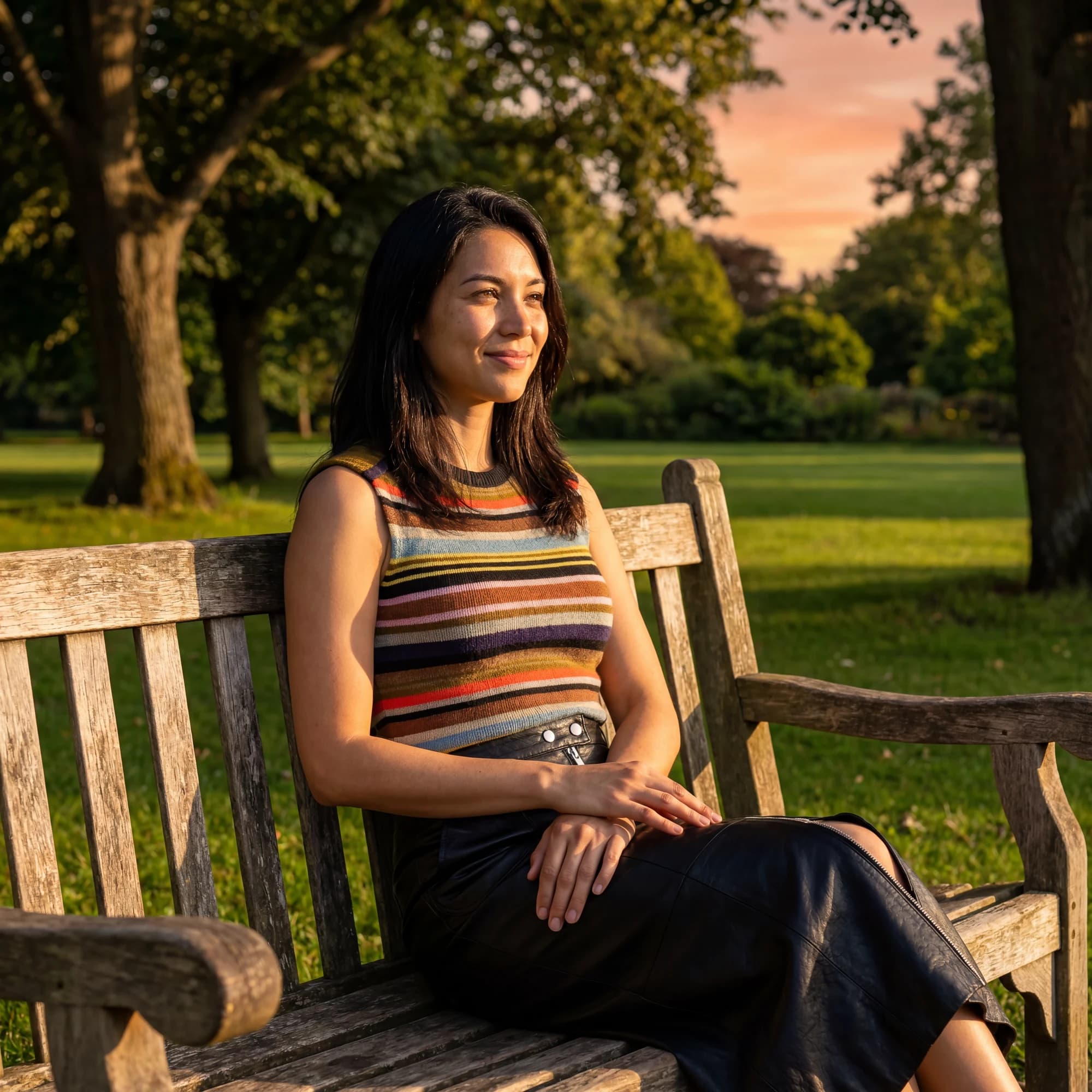
AI-generated campaign example · Created with Outfittd
Keep talent, garments, scene references and campaign direction together for reuse across shoots.
Set creative direction, lighting, lens, composition and output options through dedicated production tools.
Track generation jobs and credits, review variants, organise project assets and download selected outputs.
The live product
The public website introduces the platform and production workflow. A dedicated sign-in page provides access to the workspace.
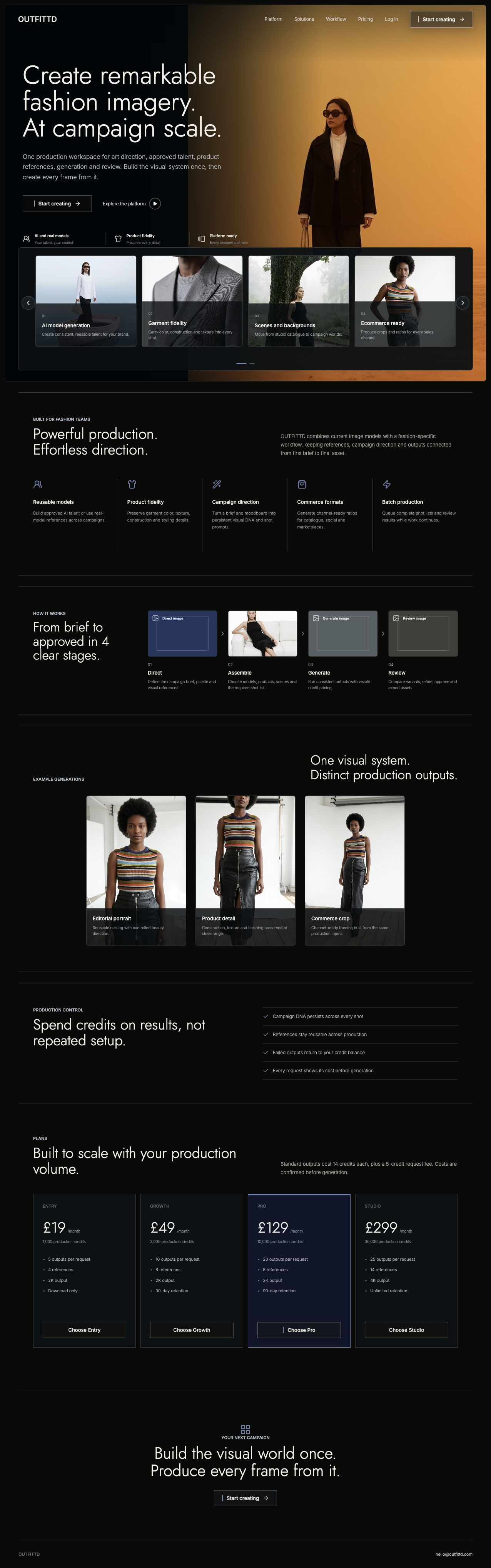

Inside the app
Actual screenshots from the Outfittd workspace, showing the tools behind the imagery.
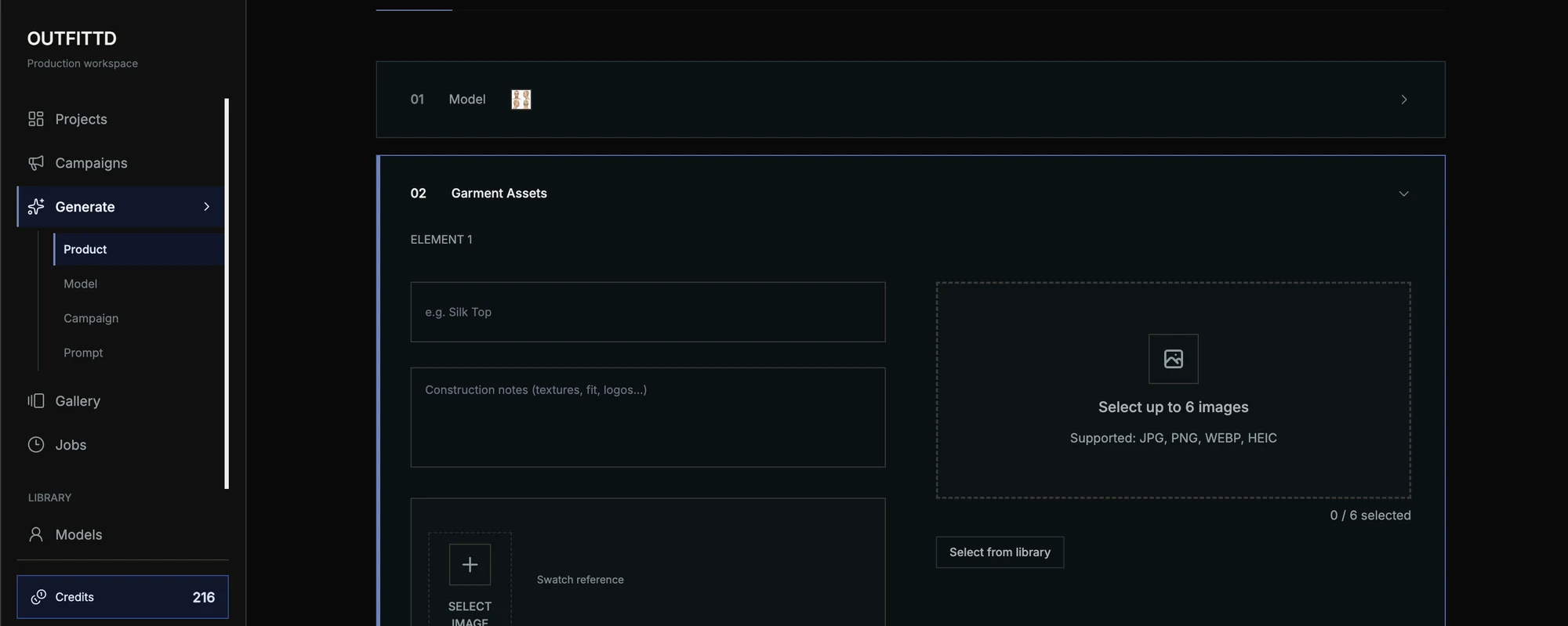
Combine garment images, construction notes and swatch references in a guided production workflow.
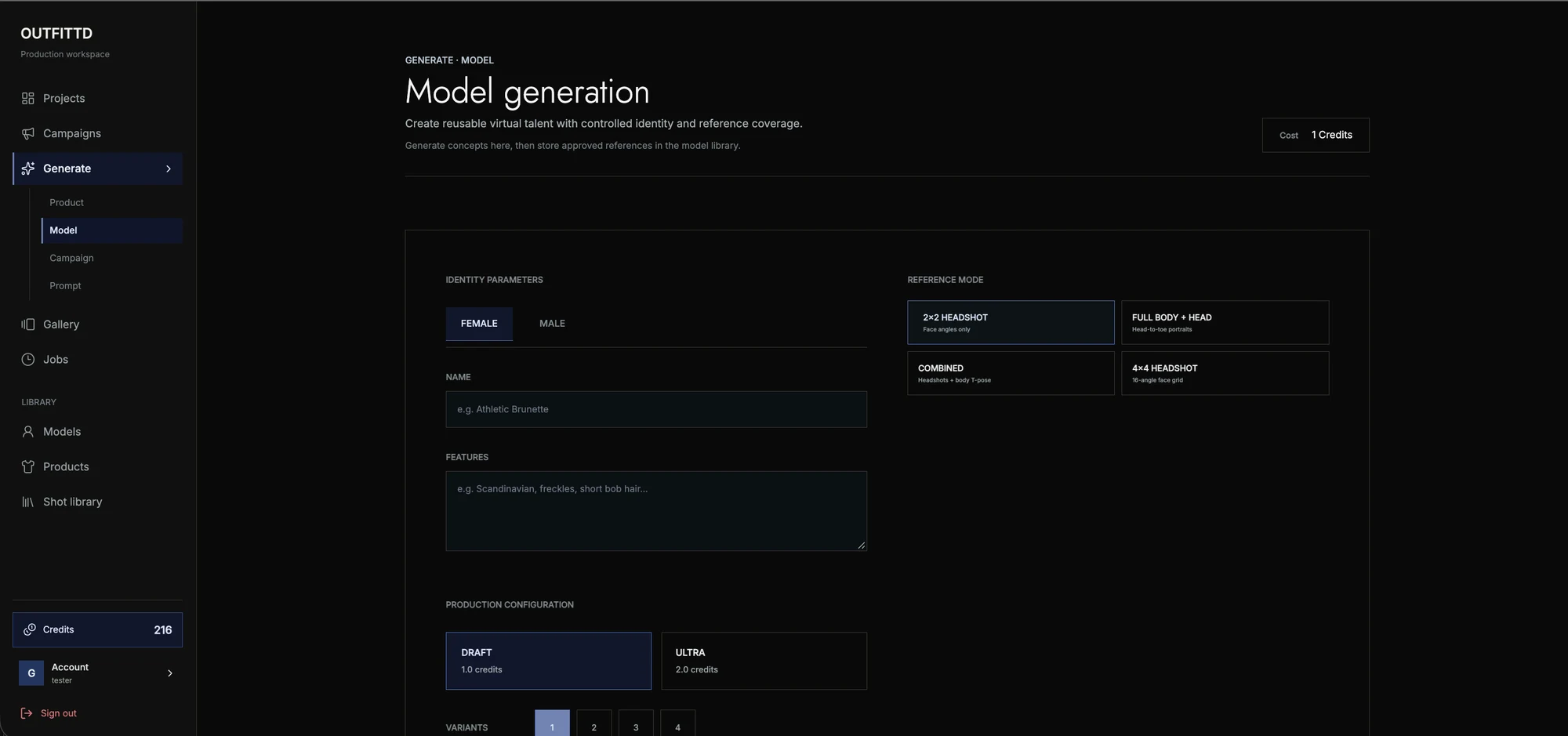
Define model characteristics and reference coverage, then save approved talent for future shoots.
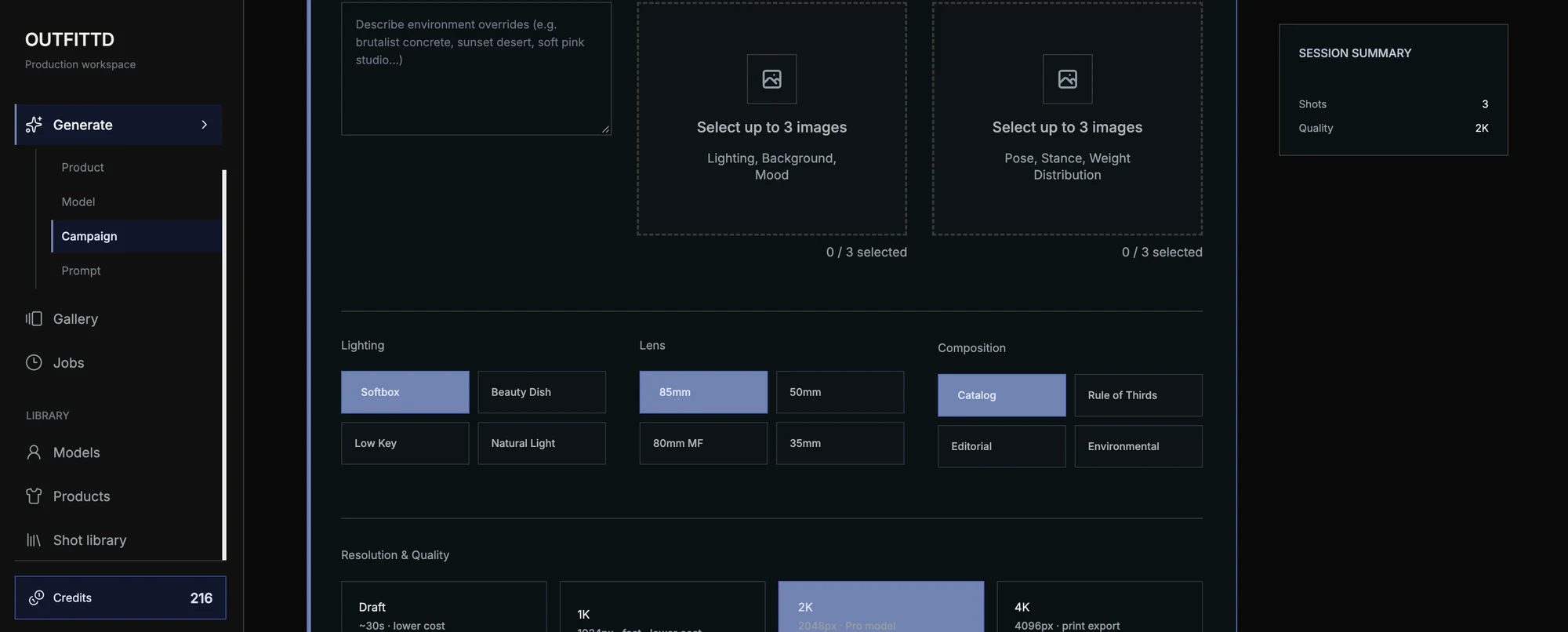
Guide the scene with lighting, pose and background references, lens choices and composition settings.
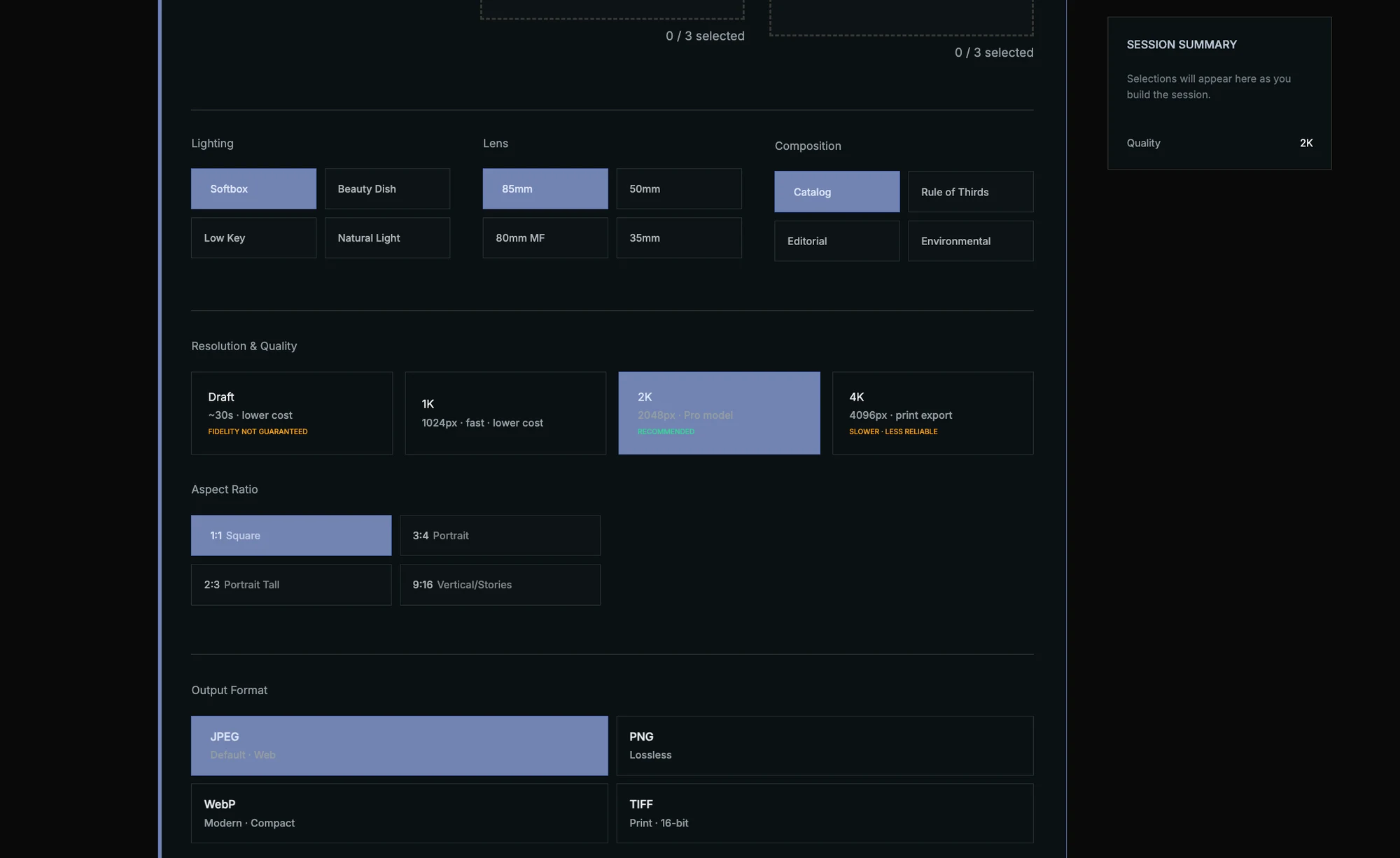
Choose resolution, aspect ratio and file format for the intended production channel.
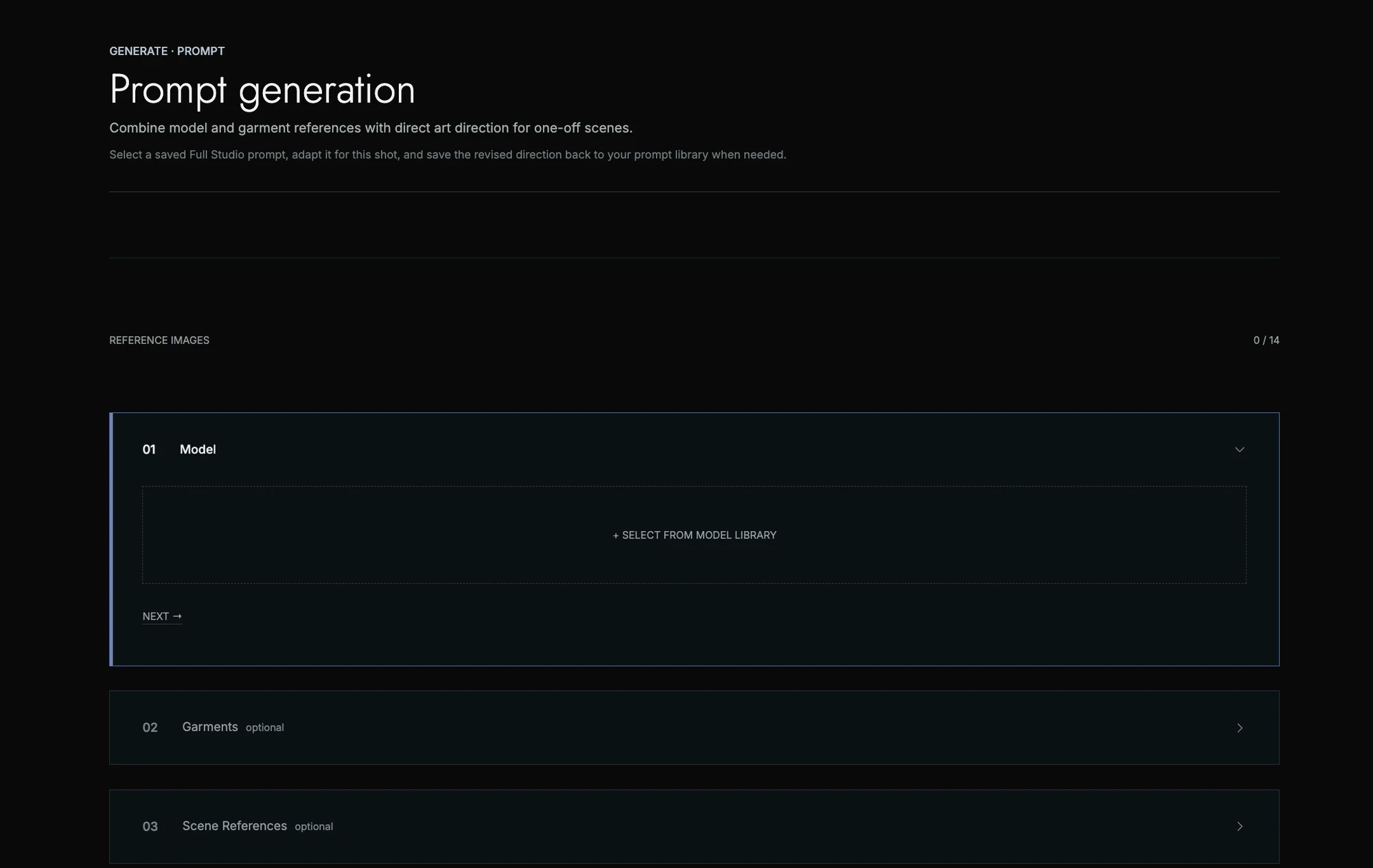
Bring model, garment and scene references together with saved prompts and shot-specific creative direction.
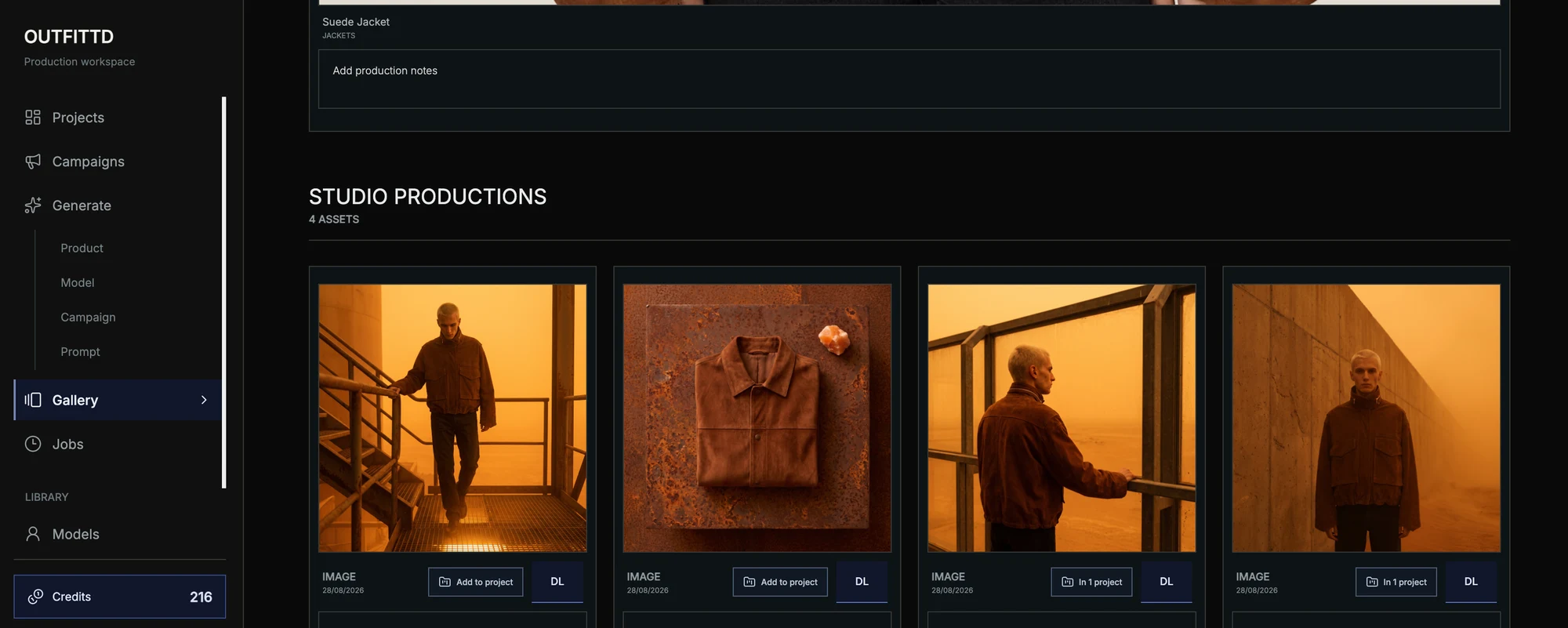
Review generated assets, download outputs and add selected images to a project.
Example generations
Two example images generated with Outfittd, from a natural outdoor portrait to a styled fashion campaign scene.
Have a workflow that needs
its own product?